
From one order to the everyday business.
Handle store tasks on mobile, serve customers at checkout, publish screen content and manage the business from the back office. Choose the systems your store needs.
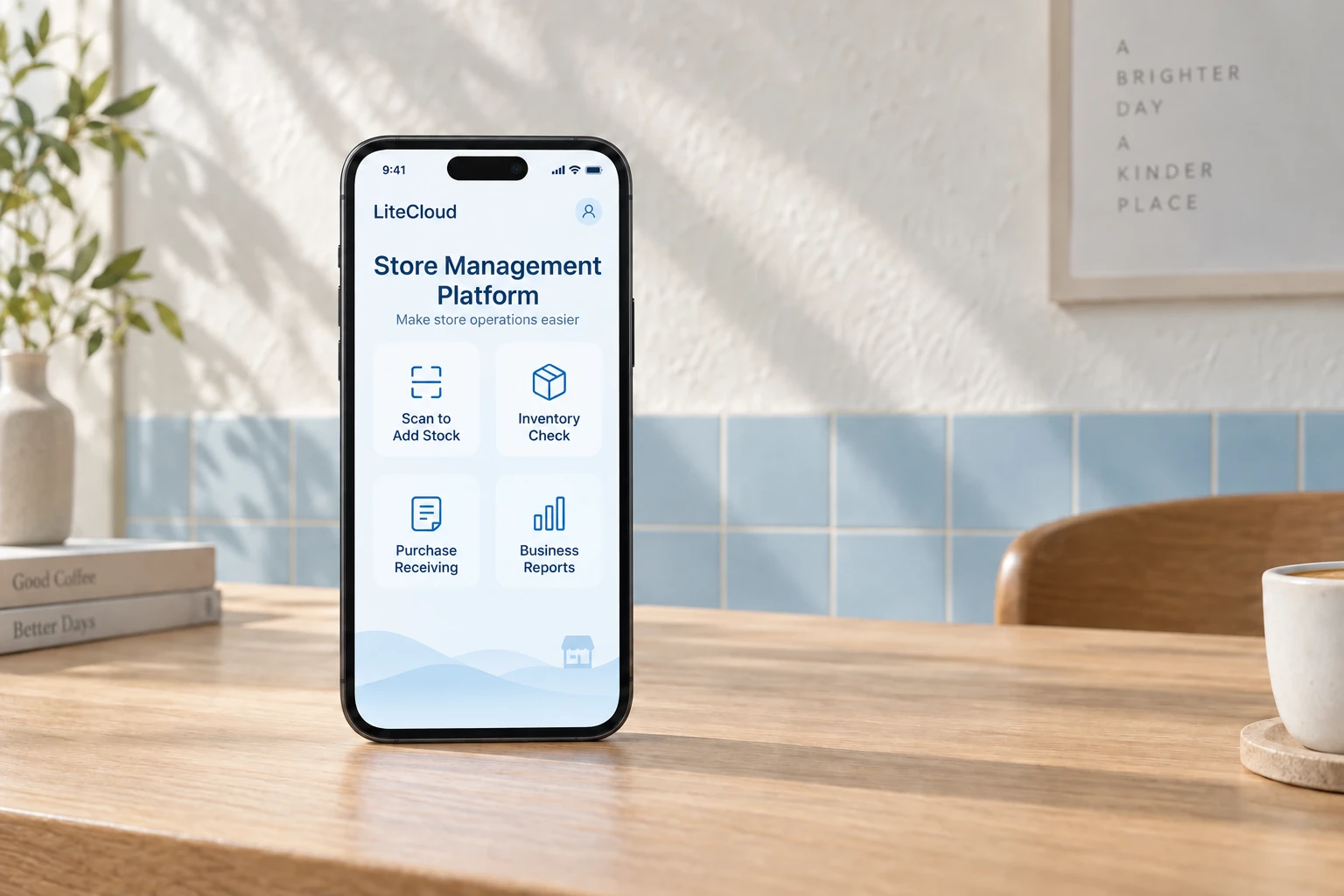
Mobile app
Keep working beside the shelves, in the stockroom or away from the counter, with everyday tasks on your phone.
- Business overview
- Review business data and keep track of daily store performance.
- Scanning and stock counts
- Scan goods into stock and count inventory where the goods are.
- Purchase receiving
- Use your phone to receive purchases when deliveries arrive.
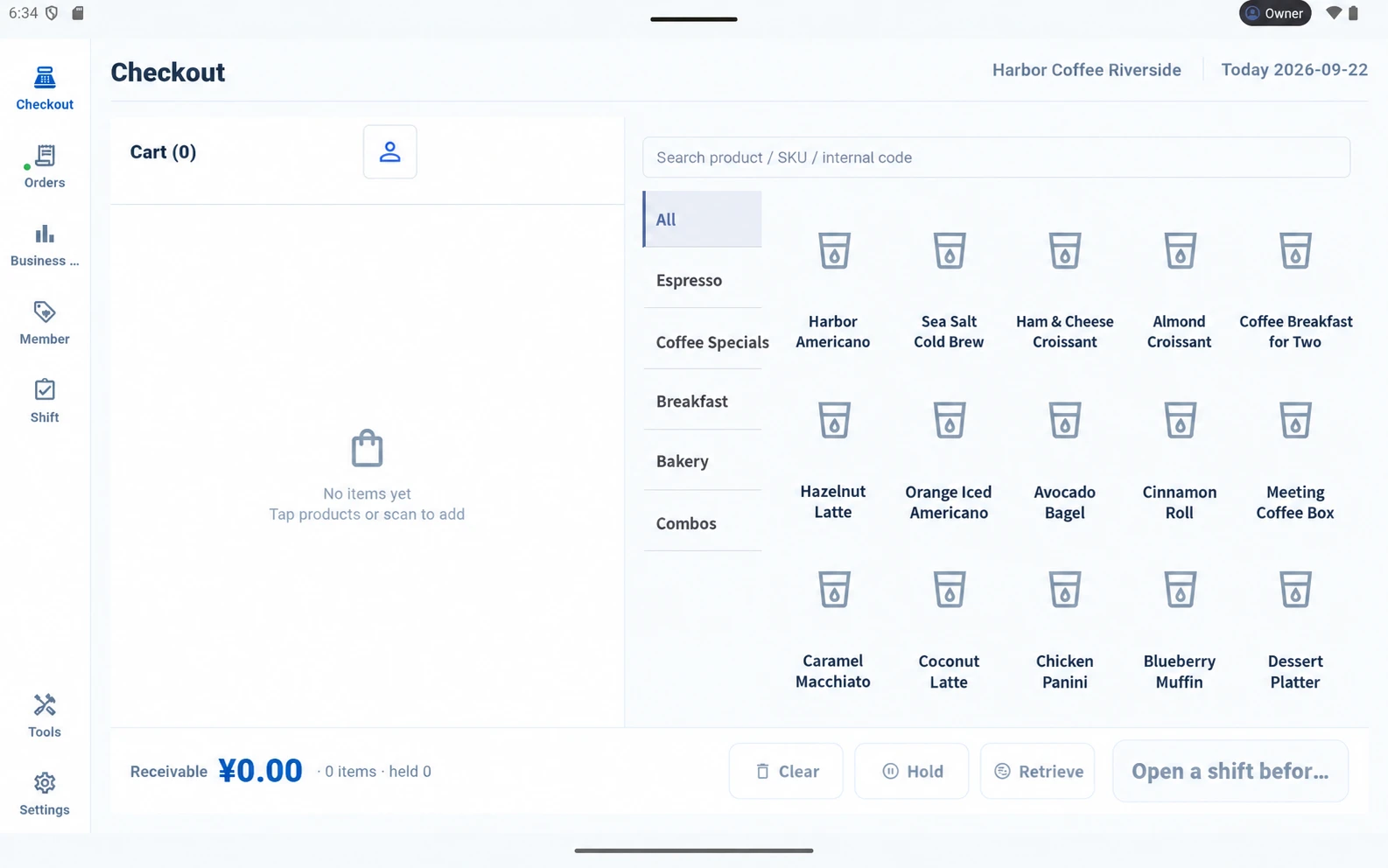
POS system
Organize work at the counter, from scanning products and taking orders to preparation and shift handover.
- Everyday checkout
- Scan products, hold orders and handle daily store transactions.
- Restaurant service
- Support dine-in, takeaway, tables and preparation. Add QR ordering according to your configuration.
- Shift handover
- Review the current shift and hand over to the next team.
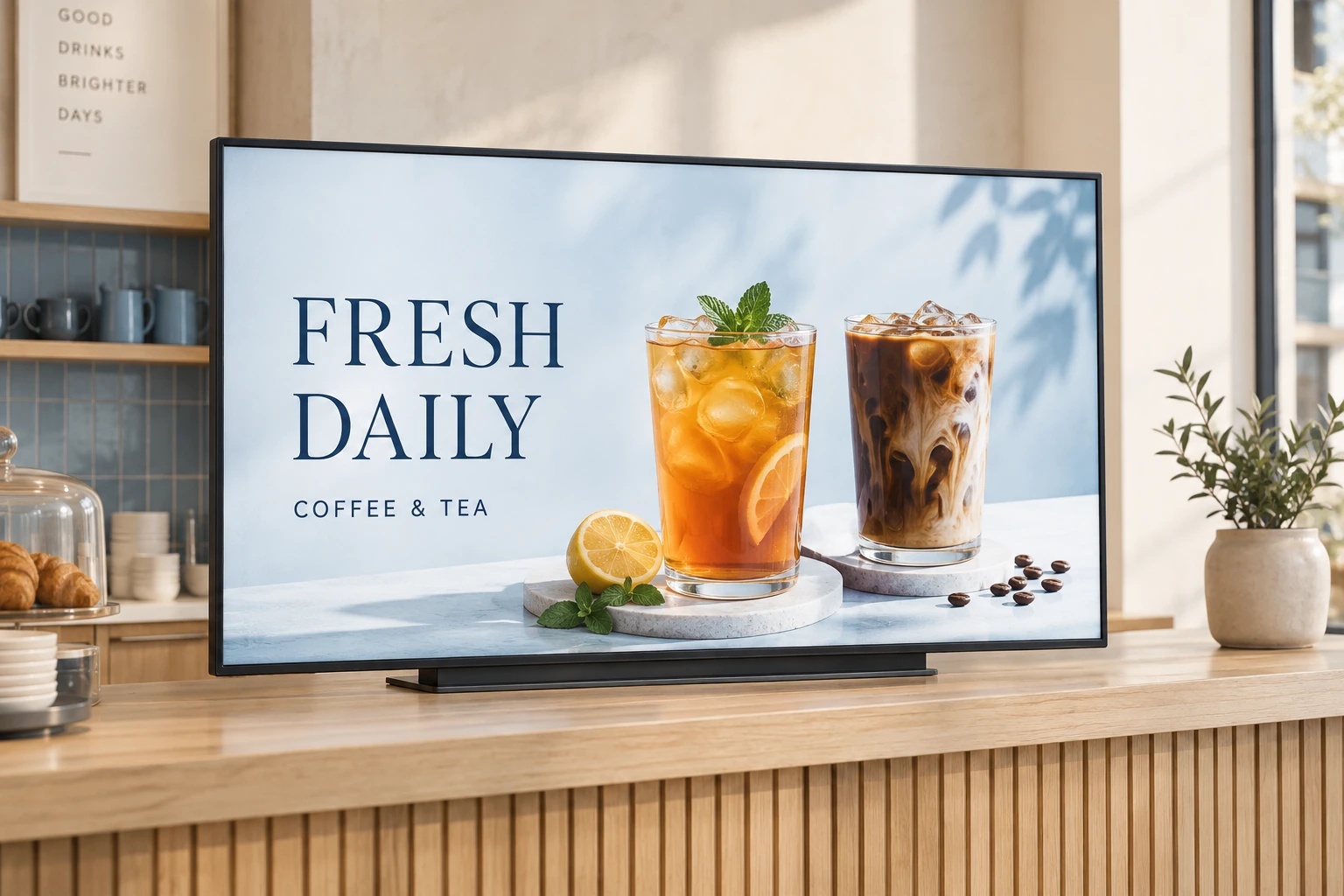
Digital signage
Bring menus, products and promotions to your store screens, with content editing, scheduling and publishing in one workflow.
- Content composition
- Edit images, text and digital menus for your store displays.
- Scheduled publishing
- Set display times and publish content according to your schedule.
- Screen management
- Manage display screens and their content across different store spaces.
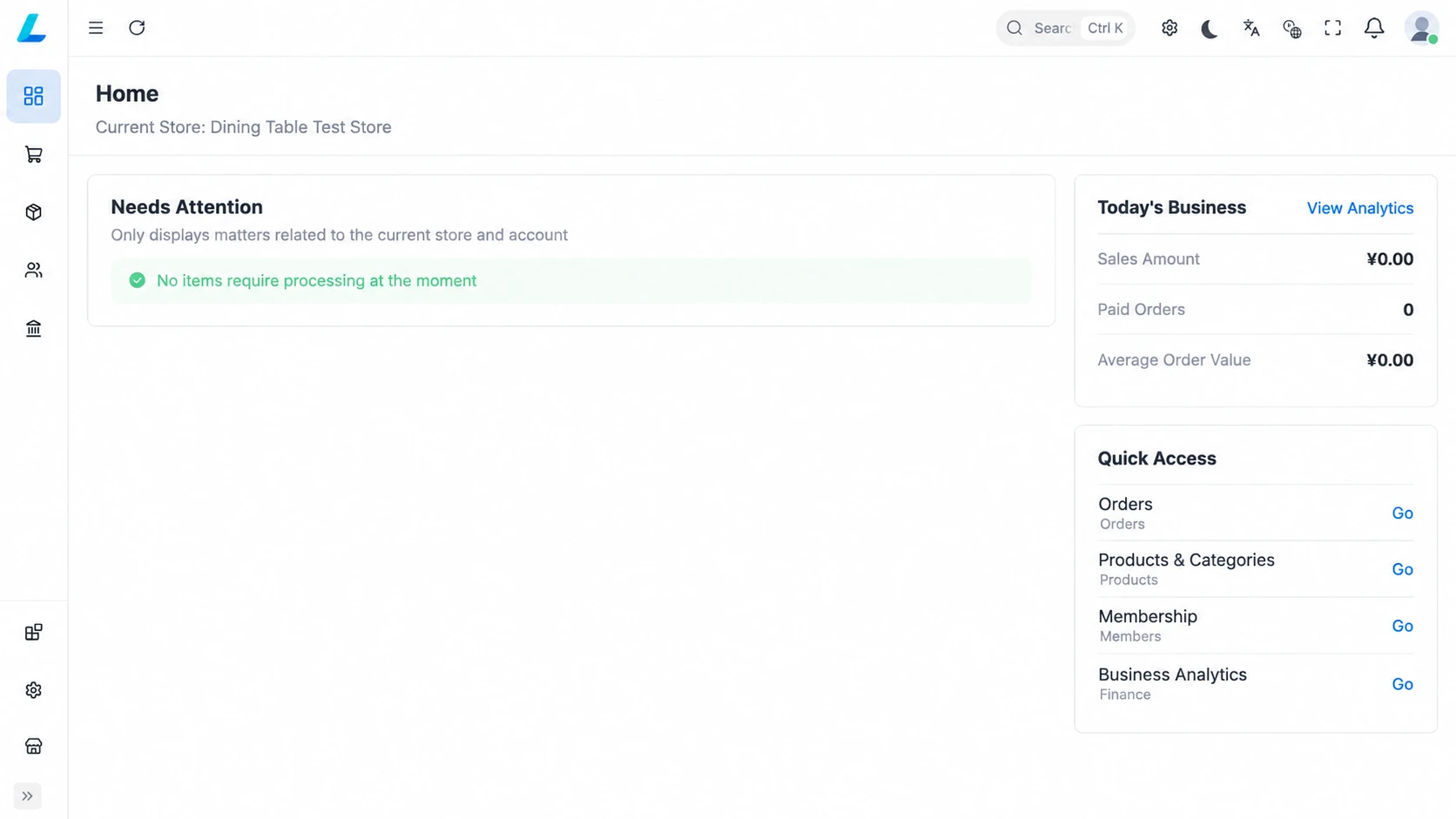
Back-office system
Bring products, customers, inventory and teams into one management workspace to support everyday business decisions.
- Products and customers
- Manage products, members, loyalty points and coupons.
- Inventory and purchasing
- Handle materials, stock movements, counts, transfers and purchase receiving.
- Stores and teams
- Review reports, manage stores and staff, and control access by role and store scope.
Find the right combination for your store.
Features depend on your configuration. Discuss software and hardware customization, device compatibility and service scope with our team.